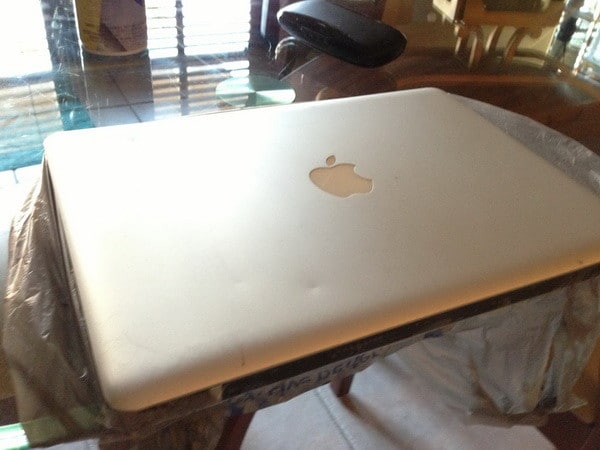
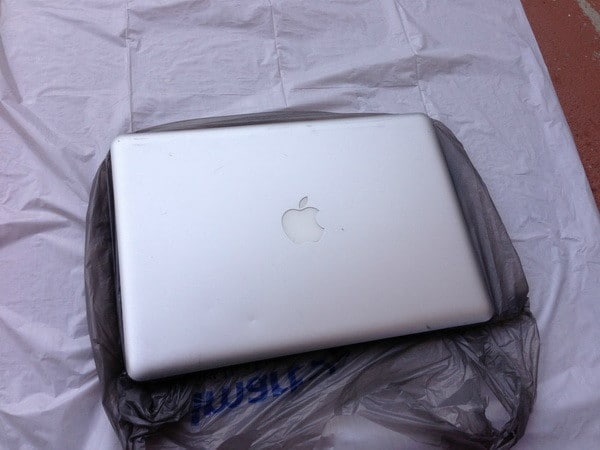
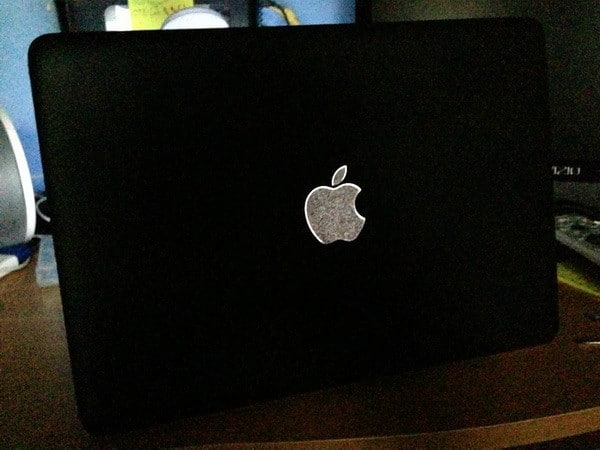
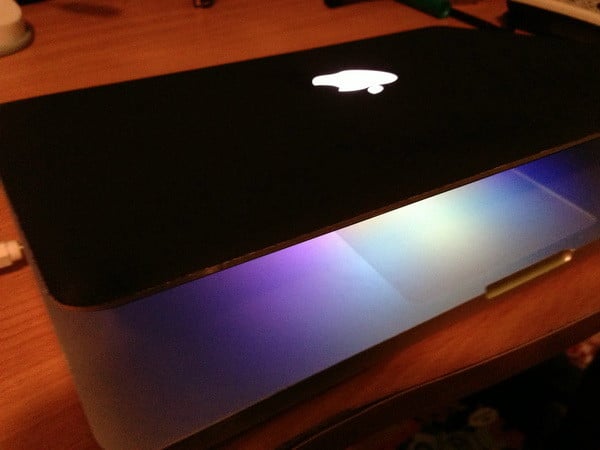
Looking to give your MacBook or new Laptop a new unique look?
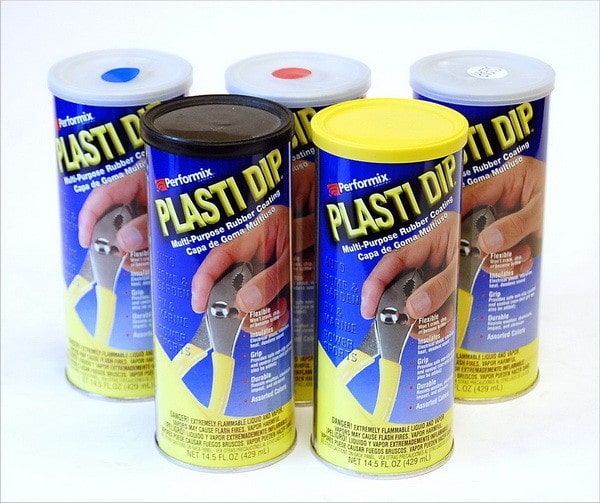
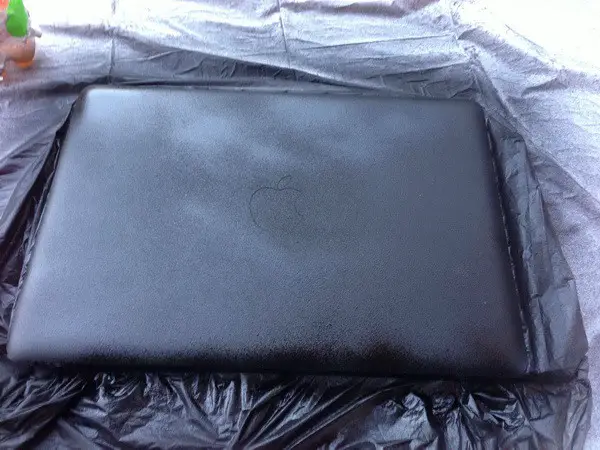
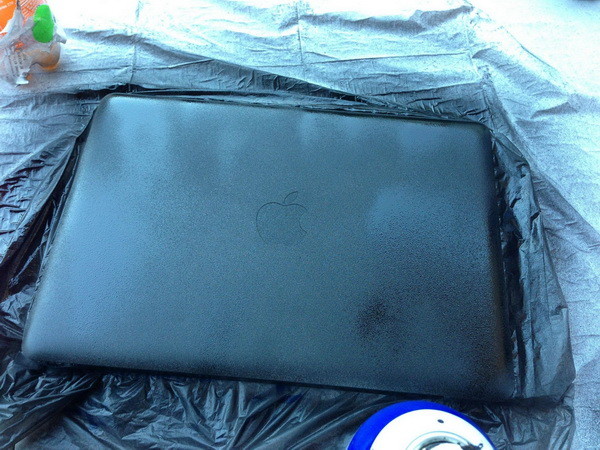
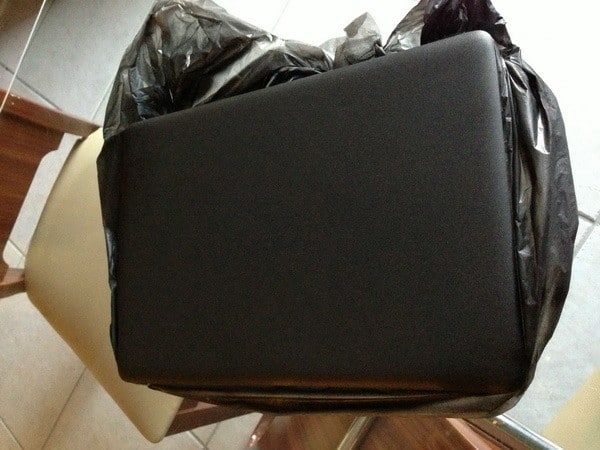
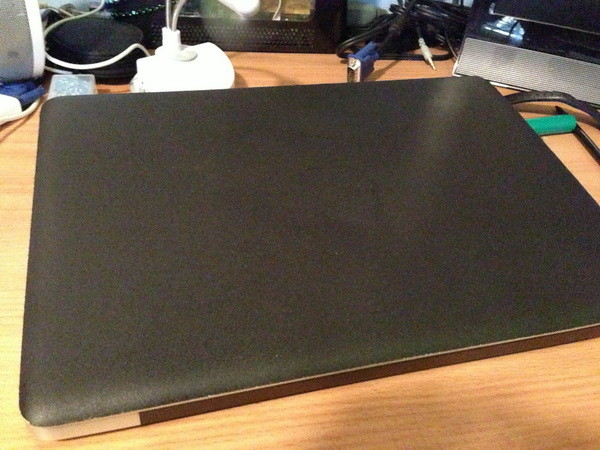
The stuff used is called plasti-dip which is like a paint you apply and its turns into a latex rubbery material that you can peel off without any damage to the original surface. Its great if you’re looking to add grip to an object or even to protect certain things since you can just easily peel it off. This protects and adds great grip to the MacBook making the chances smaller to have it slip out of your hands.
How to cut out the logo?
There is a tiny ridge between the logo and the metal, the material tends to separate easily there, You can lift it with a toothpick and it will snap right off making for a perfect outline around the Apple logo.

Written by Keith Schneerer
Certified Appliance Tech · Founder, RemoveAndReplace.com
Keith has spent 30+ years repairing machines, starting as a military mechanic and later maintaining food processing equipment before moving into appliance repair. He founded RemoveAndReplace.com to share field-tested repair advice.
More about Keith →