How do I use and what are Facebook stickers? Facebook stickers are the extra big emoticons (emoji) that mobile users have been using in Facebook chat and conversations. They are now available on the web version of Facebook too! Now you can send cool new fun FB stickers to your friends!
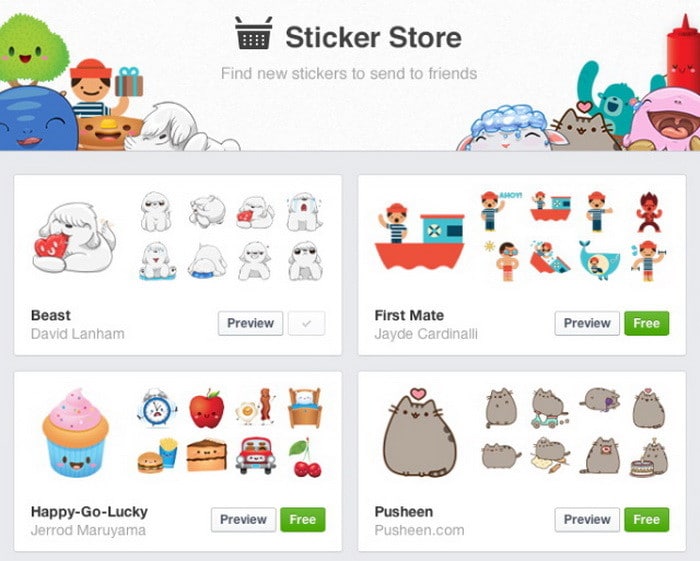
Here is how to use Facebook Stickers:
1 – Start chatting with someone.
2 – Click on the emoticon icon button in the bottom right corner of the chat screen.
3 – Choose the sticker you want to use and click on it to send it to the person you are having a conversation with.
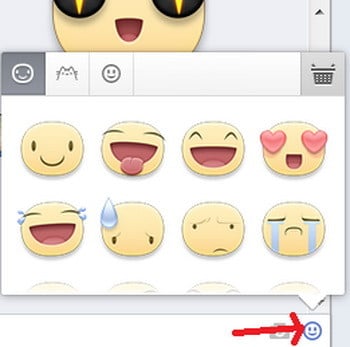
Add a Facebook sticker by clicking the smiley face on the bottom right of the screen
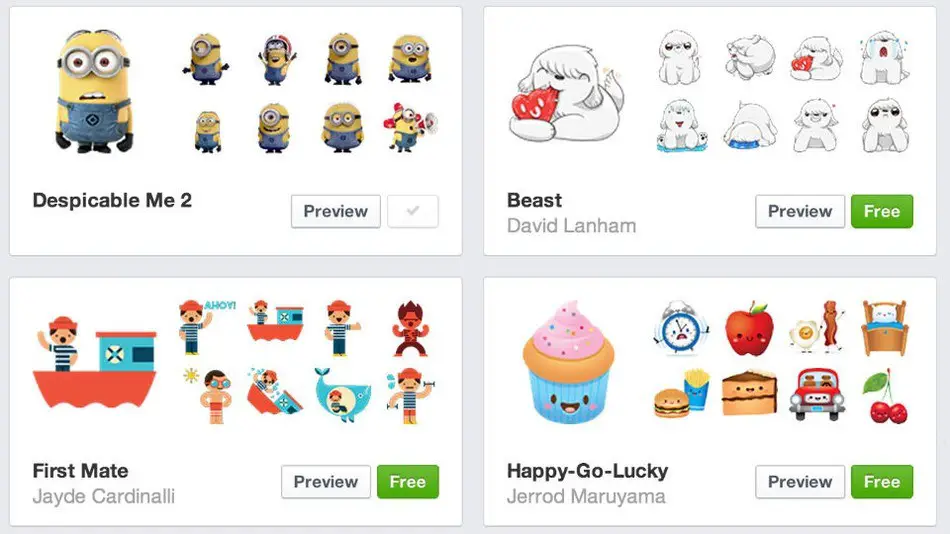
Facebook starts you out with only a small amount of stickers that you can use. You can get more cool stickers by clicking the shop basket icon button in the upper right top of the sticker window. All the stickers available are completely free. In the future Facebook will introduce paid stickers that will have tons more options and choices.
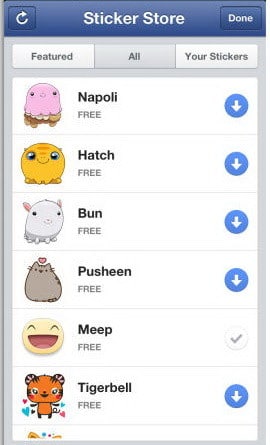
Here is what the Facebook Sticker store looks like on Mobile.

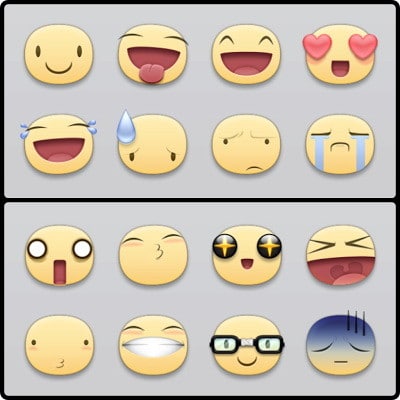
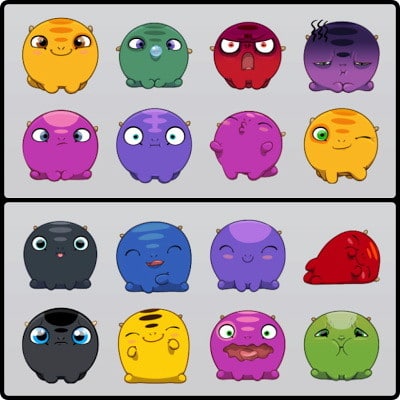
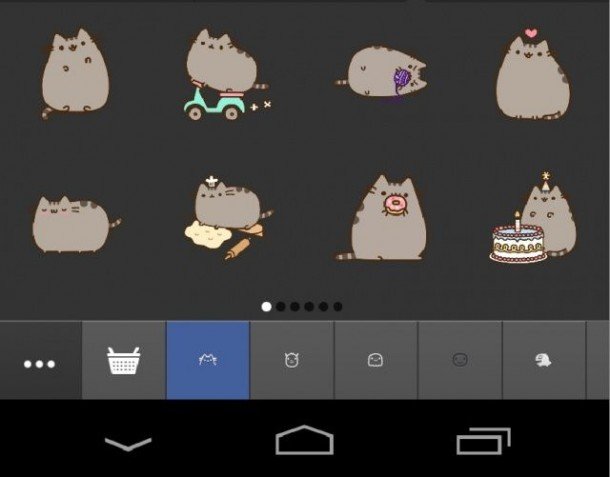
Below are a few different types of Cool Free Facebook Stickers 




Written by Keith Schneerer
Certified Appliance Tech · Founder, RemoveAndReplace.com
Keith has spent 30+ years repairing machines, starting as a military mechanic and later maintaining food processing equipment before moving into appliance repair. He founded RemoveAndReplace.com to share field-tested repair advice.
More about Keith →
If you want more stickers for facebook, whatsapp, line or other chat application that allows you to send them directly: Go on the Google play store and type whatsappsmileys.stickers