Is your TV turning off by itself? Does it turn off all on its own after a few seconds? There are different reasons why your TV turns itself off or seems to turn off by itself. The different reasons are listed by category below. You can use this “TV turning off” as a troubleshooting guide.
 TV turns off by itself
Is Your TV Turning Itself Off?
There are multiple reasons why your TV may be turning itself off. Will go over a few of the reasons wire TV is turning off by itself and what you can do to prevent this from happening.
TV Timer Set To Turn The TV Off?
Instructions – How to turn off the TIMER on your TV… (works on most TVs)
- Turn your TV ON.
- Press the MENU button on your TV remote control and enter SETUP menu.
- Press the ENTER button on your TV remote and enter the TIME menu.
- Use the arrow buttons on your TV remote to select the TIMER and press ENTER and the TIMER screen will appear.
- Use your TV remote and turn the TV TIMER mode to off.
- Press the EXIT button on your TV remote control to exit settings.
If your TV has the SLEEP TIMER set, follow the same steps above but go into SLEEP TIMER instead.
NOTE: It is possible to set the Sleep Timer by mistake by pressing the Sleep button on your TV remote control.
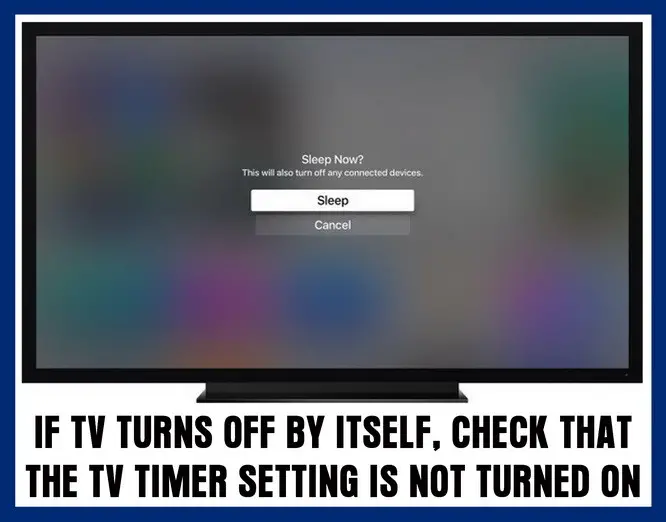 TV turns off by itself with timer or sleep timer?
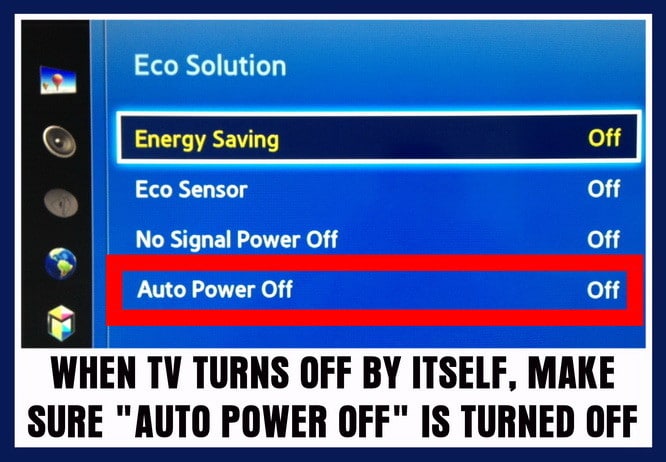 TV turns off after a few seconds? – Check timer and AUTO OFF settings in the TV menu
Using Your TV With A CAB or SAT Box?
If so your TV may seem to be off but the cable or SAT box is not turned on.
- Make sure the Cable Box Or Satellite Box is turned on and the input on the TV is set to that box.
- If the Cable Box Or Satellite Box is turned on, your cable or SAT box may not be sending your TV a signal.
- Test the cable box or satellite box signal output by pressing the info/guide button on the satellite box or cable box remote.
- After pressing the info/guide button, if the TV screen displays the guide data then your issue is caused by the cable or SAT box.
- If your TV screen will not display the guide data then be sure to change the input source on your TV using the input button on your TV remote.
Using The TV As A Computer Monitor?
Is the stand-by TV light blinking for a few moments after you press the power on button on your TV remote?
If so, then your PC is in sleep or hibernate mode. Wake up your PC by moving the mouse and the TV should turn back on.
NOTE: If your TV screen does not turn back on then be sure to change the input source on your TV using your TV remote control.
If the above TV WILL TURN OFF BY ITSELF methods did not work, try a MASTER RESET or FACTORY RESET on your TV. You will find this in the main settings of the TV menu. Try the Master reset and that may fix your TV from turning off by itself.
How to master reset a TV?
Also, if you have a Smart TV that is connected to the internet by WIFI, try updating the system bios or the TV software that controls it. Look for TV update settings in the menu. Try the reset and the system update and if that does not FIX your TV, you may have an issue with a component in the TV.
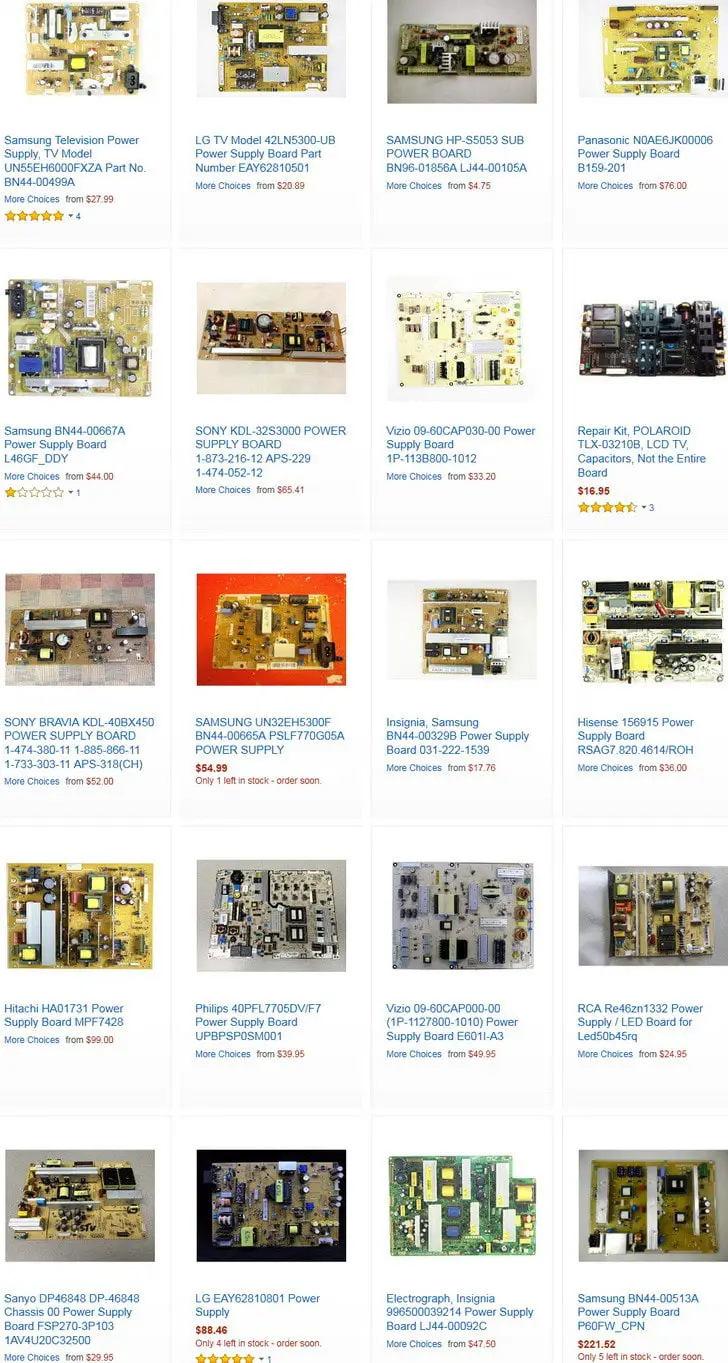
If all the above has failed to work, and you have checked and rechecked that the components attached to your TV ARE working properly, and have tried the reset and update options, you may have an issue with the TV itself. You could have a power board issue or other board issue. To fix a blank TV screen or find out if a board in your TV may be bad, try reading this page here about TV has sound but no picture.
The methods to fix or troubleshoot why your TV will turn off all by itself will work on Samsung, Vizio, Mitsubishi, LG, SONY, Panasonic, HiSense, Hitachi, Element, Magnavox, Sanyo, and all other TV models.
If you have tried all the above and you still have issues, please leave a comment below and we will be happy to assist.

Written by Keith Schneerer
Certified Appliance Tech · Founder, RemoveAndReplace.com
Keith has spent 30+ years repairing machines, starting as a military mechanic and later maintaining food processing equipment before moving into appliance repair. He founded RemoveAndReplace.com to share field-tested repair advice.
More about Keith →
I have a 55 inch flat screen rca…it eont let me in the menu after i turn the tv on…..tv comes on for 3seconds and cuts off…there is no sound either…please help…
I have a 52 inch sanyo that powers on, and about 8 seconds later turns off. No time for the screen to turn on.
i have TV samsung UNF406300AF turns off by itself every two minutes. I tried all the suggestions above and not resolved my issue. Do you have any other suggestions? my tv has 3 years old.
My Phillips 42″ HD flatscreen TV turns itself off and will only stay on after repeatedly 4-5 times turning it on. After being on for a time and then turning it off, I can turn it back on within about 2 hrs without any problems. Otherwise, if I wait longer between turning it on, I have to go through 4-5 times turning it on before it stays on. What’s the problem?
Okay, my 55 inch flat screen TV turns on normaly with remote and by TV. It stays on for about 30 to 45 seconds then flashes fuzzy grey like old school TV’s then goes black….
What could be causing this to happen?
We have an element TV and it shuts off after a few seconds. Not enough time to get to the settings menu to reset. Not sure what to do.
I have the same issue with Haier 42″ TV. L42B1180. The green light stays illuminated.