Is your TV turning off by itself? Does it turn off all on its own after a few seconds? There are different reasons why your TV turns itself off or seems to turn off by itself. The different reasons are listed by category below. You can use this “TV turning off” as a troubleshooting guide.
 TV turns off by itself
Is Your TV Turning Itself Off?
There are multiple reasons why your TV may be turning itself off. Will go over a few of the reasons wire TV is turning off by itself and what you can do to prevent this from happening.
TV Timer Set To Turn The TV Off?
Instructions – How to turn off the TIMER on your TV… (works on most TVs)
- Turn your TV ON.
- Press the MENU button on your TV remote control and enter SETUP menu.
- Press the ENTER button on your TV remote and enter the TIME menu.
- Use the arrow buttons on your TV remote to select the TIMER and press ENTER and the TIMER screen will appear.
- Use your TV remote and turn the TV TIMER mode to off.
- Press the EXIT button on your TV remote control to exit settings.
If your TV has the SLEEP TIMER set, follow the same steps above but go into SLEEP TIMER instead.
NOTE: It is possible to set the Sleep Timer by mistake by pressing the Sleep button on your TV remote control.
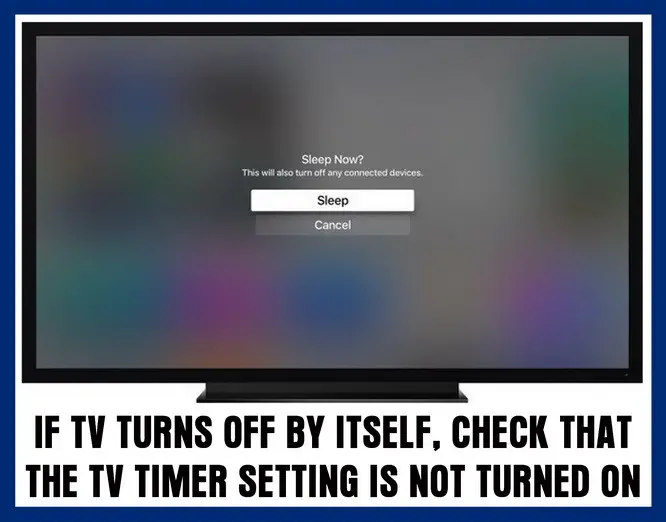 TV turns off by itself with timer or sleep timer?
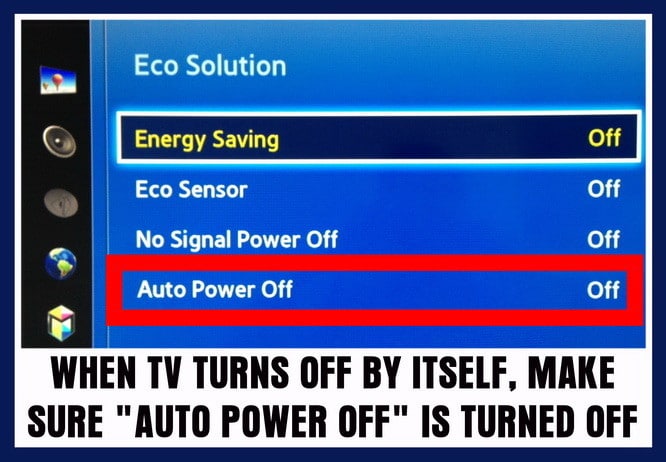 TV turns off after a few seconds? – Check timer and AUTO OFF settings in the TV menu
Using Your TV With A CAB or SAT Box?
If so your TV may seem to be off but the cable or SAT box is not turned on.
- Make sure the Cable Box Or Satellite Box is turned on and the input on the TV is set to that box.
- If the Cable Box Or Satellite Box is turned on, your cable or SAT box may not be sending your TV a signal.
- Test the cable box or satellite box signal output by pressing the info/guide button on the satellite box or cable box remote.
- After pressing the info/guide button, if the TV screen displays the guide data then your issue is caused by the cable or SAT box.
- If your TV screen will not display the guide data then be sure to change the input source on your TV using the input button on your TV remote.
Using The TV As A Computer Monitor?
Is the stand-by TV light blinking for a few moments after you press the power on button on your TV remote?
If so, then your PC is in sleep or hibernate mode. Wake up your PC by moving the mouse and the TV should turn back on.
NOTE: If your TV screen does not turn back on then be sure to change the input source on your TV using your TV remote control.
If the above TV WILL TURN OFF BY ITSELF methods did not work, try a MASTER RESET or FACTORY RESET on your TV. You will find this in the main settings of the TV menu. Try the Master reset and that may fix your TV from turning off by itself.
How to master reset a TV?
Also, if you have a Smart TV that is connected to the internet by WIFI, try updating the system bios or the TV software that controls it. Look for TV update settings in the menu. Try the reset and the system update and if that does not FIX your TV, you may have an issue with a component in the TV.
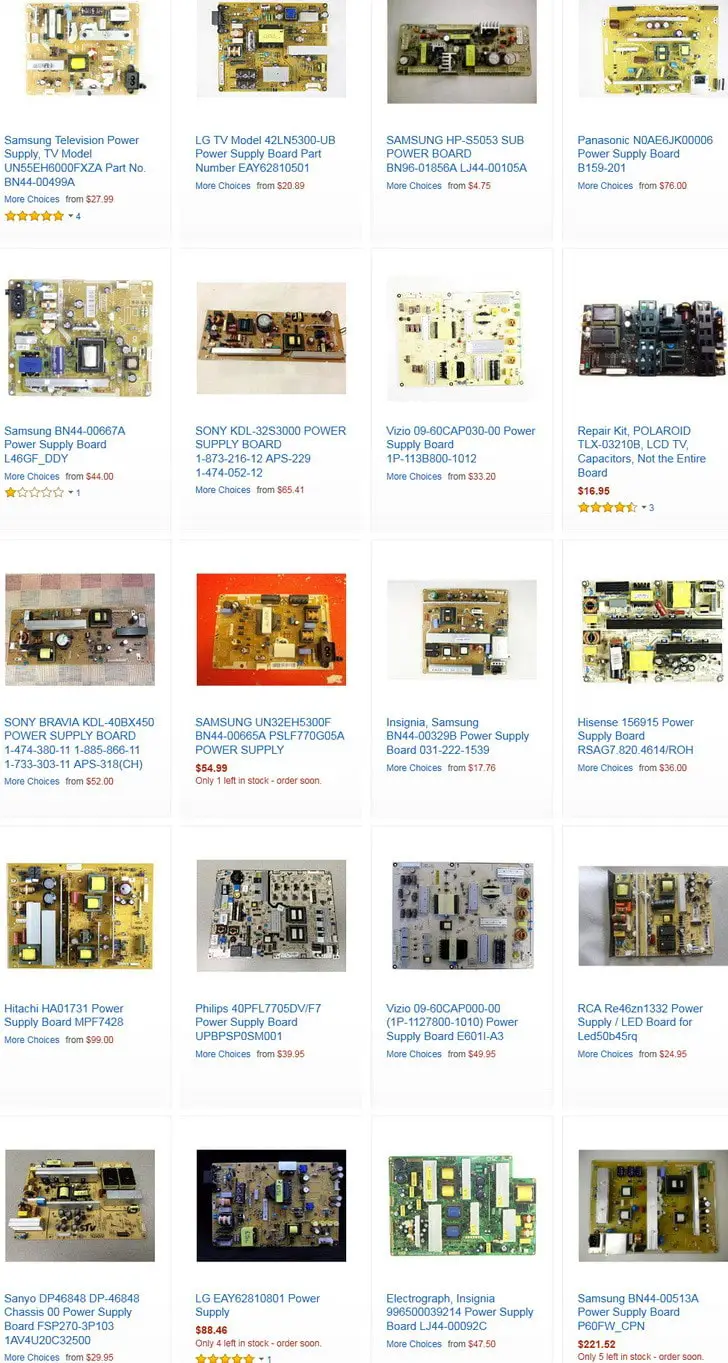
If all the above has failed to work, and you have checked and rechecked that the components attached to your TV ARE working properly, and have tried the reset and update options, you may have an issue with the TV itself. You could have a power board issue or other board issue. To fix a blank TV screen or find out if a board in your TV may be bad, try reading this page here about TV has sound but no picture.
The methods to fix or troubleshoot why your TV will turn off all by itself will work on Samsung, Vizio, Mitsubishi, LG, SONY, Panasonic, HiSense, Hitachi, Element, Magnavox, Sanyo, and all other TV models.
If you have tried all the above and you still have issues, please leave a comment below and we will be happy to assist.

Written by Keith Schneerer
Certified Appliance Tech · Founder, RemoveAndReplace.com
Keith has spent 30+ years repairing machines, starting as a military mechanic and later maintaining food processing equipment before moving into appliance repair. He founded RemoveAndReplace.com to share field-tested repair advice.
More about Keith →
I have a element 55 tv that shuts itself off every 15 seconds, you turn it on the red light turns blue I get the element logo then a blank screen except the channel in upper right hand corner no response to Manuel or remote then it just shuts off, if you turn it back on same thing happens, it’s about 5 yrs old but I consider that still fairly new I had a council tv back in the 70,s that lasted 35 yrs and these plastic flat screen jobs aught to be held at a higher standard remember the slogan quality goes in before the name goes on? Zenith.
Ok, so i bought my Vizio d40-d1 one year ago. Dang it. This mind reading weirdo TV shuts off if i get up from chair and move two feet sometimes. No wires getting pinched. This TV is about 14 feet from chair. Laptop by chair. The Vizio is set for no tracking and is not connected to internet. I do sometimes connect laptop to TV via hdmi cord, but not often.
What makes it shut off like that ? No light either. Is something causing that phenomena in anyway related to the WIFI router in other room , TV, then laptop, in a line like that. Right, i know it makes no sense but my moving a few feet must disturb something, waves? , in the space around. I was dumb when i bought a smart TV. Miss my old square 700lb bulky TV. O, back in the good ‘ol days – yea whatever.
So, anyone notice Vizio turn off when they move in room ? That is the only time it turns itself off too. Restarts fine.
I have an rca smart TV and I’ve traced the problem back to the ethernet connection. I had every component checked and they all check out ok. I’ve tried to connect wirelessly but after inputting the WiFi password there is no enter button to acknowledge the password. I need help to fix this. Any ideas?
I had the same issue with my RCA HDTV STV. The way I fixed it was by making sure it’s not connected to internet.. if you have Ethernet cord, unplug it, turn TV on, and factory reset like new. If it’s connected to wifi, and turns off rapidly, unplug the wifi box, then turn the TV, reset it as new. However, I’m still trying to figure a way out on how to use the SMART TV functionality without it turning off, which will be the only problem I have now. Exhausting all options, I would make sure to post here if I do.
I am having the same exact problem with my RCA which is only about a year old. I can’t get it to stay on for longer than 10 seconds.
I have a rca tv that I’ve only had for a year and a half now . It was working fine until a couple days ago it randomly shut off on its own. I turned it back on and it was fine but it keeps shutting off every couple minutes after I turn it on. I unplugged it , resetted it , and I even changed the power surge but it’s still doing it. I’m not really sure what else to do , I don’t know if it’s something inside the tv that is messed up but I don’t understand why it would considering the fact that I rarely every watch tv on it
My Emerson tv will not turn on I press the on button and my and the red light will blink and then it will go black and then it will go back to red but the TV will not come on .