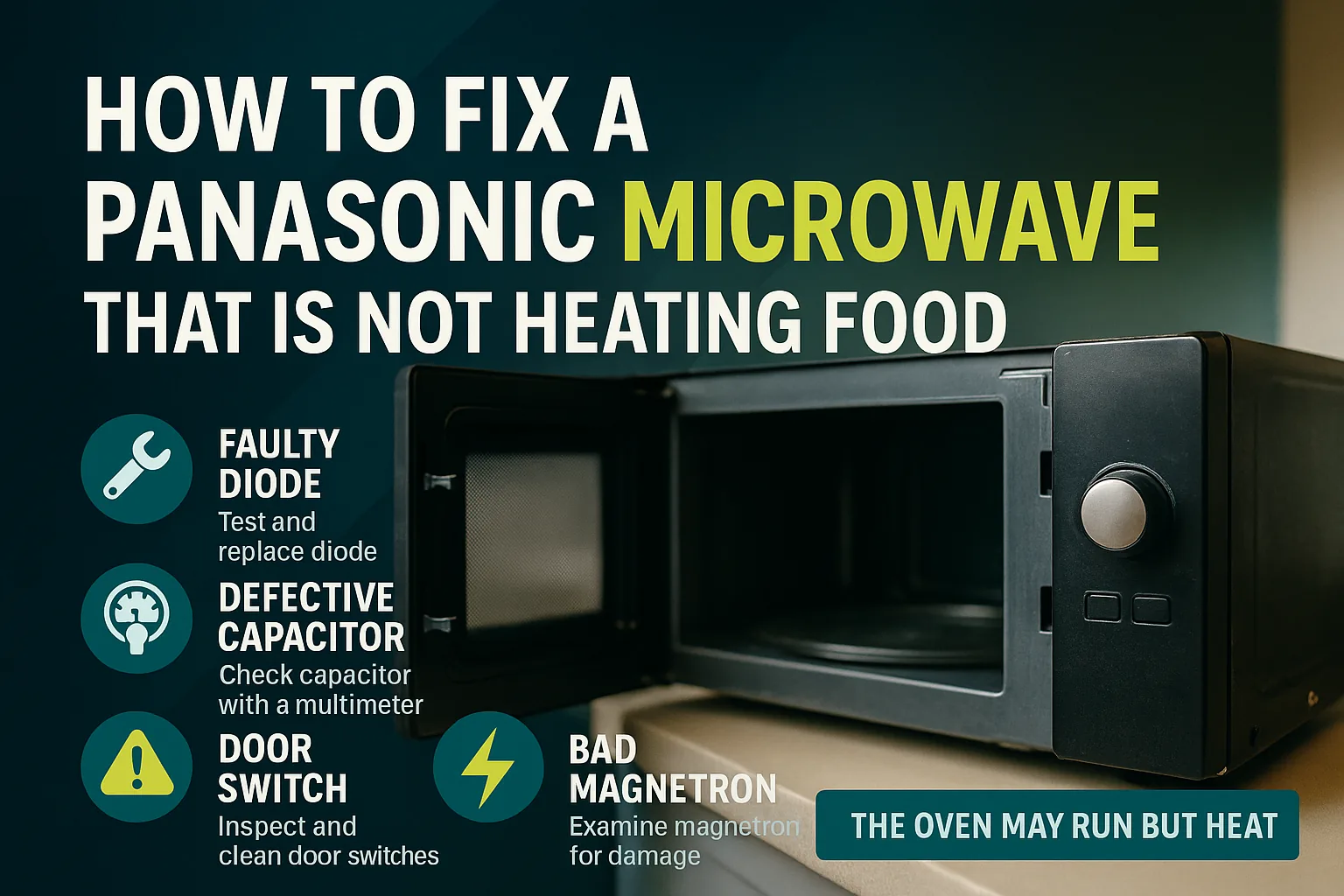
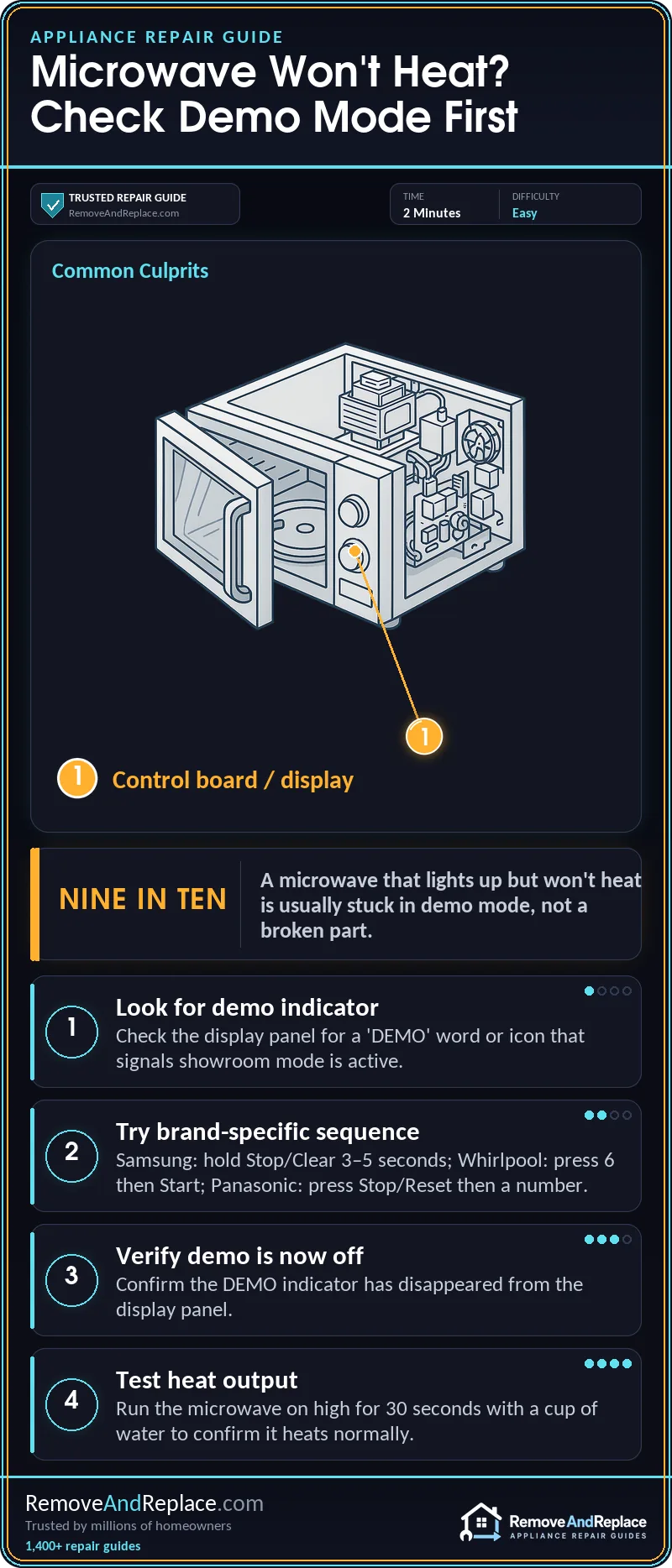
If your microwave lights up, the display works, the keypad beeps back at you — but it won’t actually heat anything, don’t jump to replacing the magnetron yet. Nine times out of ten with this exact symptom set, the unit is stuck in demo mode (also called showroom mode or display mode), a setting built into almost every microwave so retailers can run them on the sales floor without cooking anything. I’ve had customers call convinced their new microwave was dead on arrival, only to find the demo setting never got turned off after it left the store.
What Demo Mode Actually Does
Demo mode disables the high-voltage circuit that powers the magnetron while leaving everything else — the display, turntable, keypad tones, even the interior light — working completely normally. That’s exactly what makes it so confusing. In nineteen years of chasing electrical faults in aircraft systems before I ever touched an appliance, I learned that a symptom pattern this clean and consistent is almost never a random failure — it’s a deliberate setting, and demo mode fits that pattern perfectly.
Here’s a short walkthrough showing how demo mode gets triggered and canceled on a common microwave, which is worth watching before you start pressing buttons at random:
Most people never intentionally turn this on. It usually happens one of three ways: the unit came from the store still in showroom mode, a power outage or breaker trip reset the control board and it defaulted back into demo mode, or someone held down a button combination by accident while cleaning the keypad. Whatever the cause, the fix is the same — you just need to know the sequence for your brand.
How To Get Out Of Demo Mode
There’s no universal button combo across brands, which is the most frustrating part of this whole issue. A few common ones:
- Samsung: Press and hold
Stop/Clearfor about 3-5 seconds, or check the display for a “DEMO” indicator that toggles off with that same button. - Whirlpool: Usually a combination of pressing a number key (often
6) thenStart, or holdingStopfor several seconds depending on the model year. - Panasonic: Typically involves pressing
Stop/Resetthen a specific number key in sequence.
Because these combinations change by model and even by production year, I always tell people to check the actual owner’s manual or the manufacturer’s support page rather than guessing blindly — a wrong combo can sometimes land you in a different diagnostic mode instead. Samsung has a dedicated page for units that show no heat, including demo mode as one of the causes, at Samsung’s official support page. Panasonic also publishes a straightforward explanation of how demo mode works and how to exit it at Panasonic’s support site, and Whirlpool covers the same thing for their over-the-range models at Whirlpool’s product help page.
If you don’t have the manual handy, look for a small “DEMO” word, an icon, or a flashing indicator somewhere on the display panel — most models show something there so it’s not a total mystery once you know to look for it.
What If Turning Off Demo Mode Doesn’t Fix It
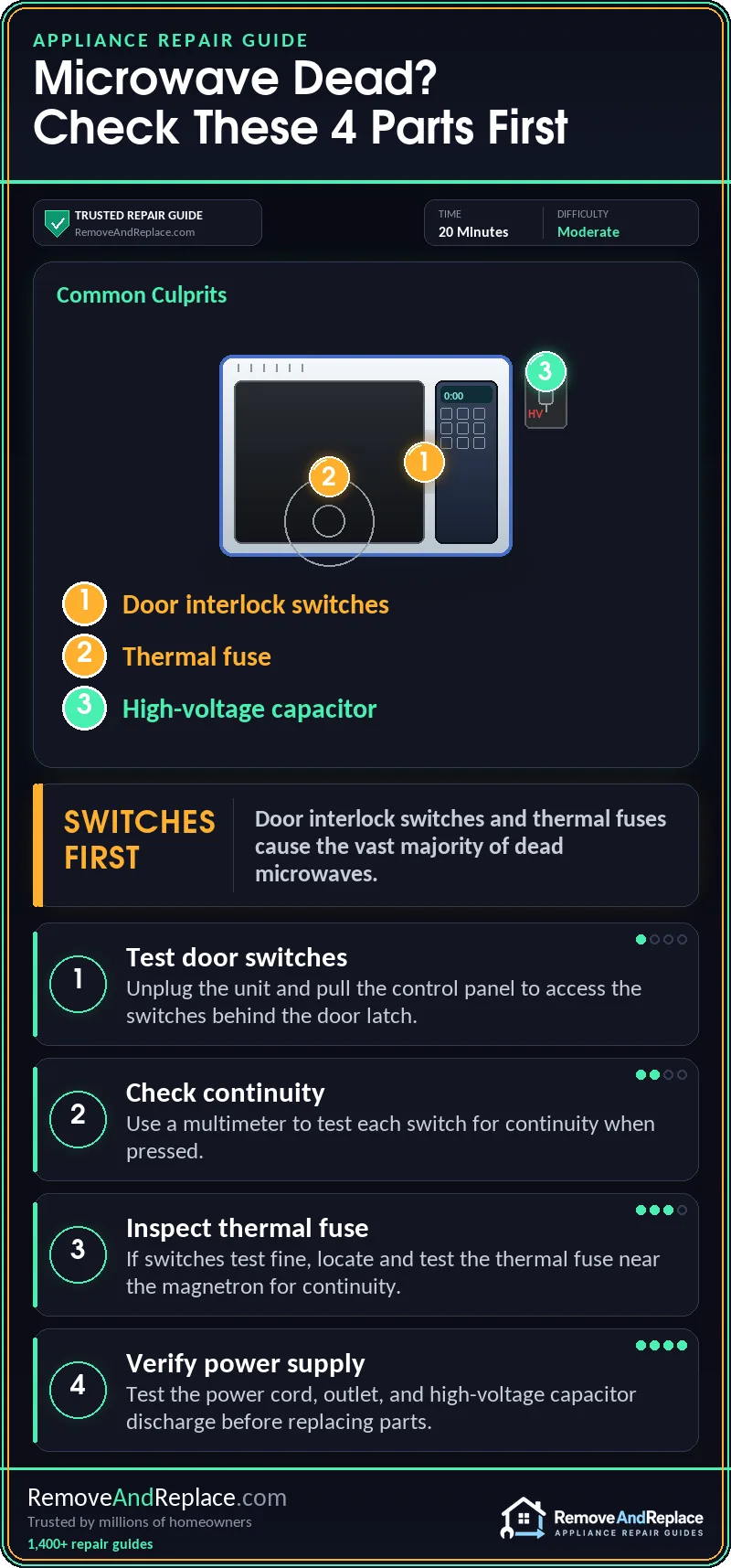
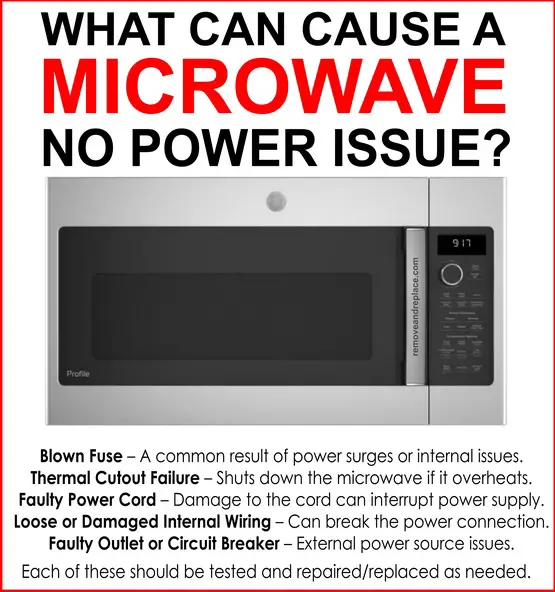
Once you’ve confirmed demo mode is off and the microwave still won’t heat, then it’s time to actually treat it as a hardware issue rather than a settings problem. At that point I’d check the door switches, the high-voltage diode, and the magnetron itself, roughly in that order since door switches fail far more often than the magnetron does. If the unit is also cutting power entirely rather than just failing to heat, that’s a different animal — that points more toward a supply or control board issue, and it’s worth reading through what can cause a microwave no power issue before pulling the unit apart.
It’s also worth ruling out a couple of other things while you’re in there. If the microwave shuts off completely after just a couple seconds of running, that’s usually unrelated to demo mode and has its own separate cause — this guide on that exact symptom walks through it. And if the unit is tripping the breaker on top of not heating, don’t waste time chasing the demo mode setting first — go straight to this breaker-tripping troubleshooting article instead, since that’s almost always an electrical fault, not a mode setting.
One thing I’d flag from experience: don’t confuse a dim or flickering interior light with a demo mode symptom — that’s typically just a bulb issue, and it’s an easy one to rule out using this bulb replacement guide before you assume anything electrical is wrong. And if the unit is heating fine but making unusual noise while running, that’s a completely separate mechanical issue covered in this noisy microwave article — not something demo mode has any bearing on.
The takeaway here is simple: before you assume the worst about a microwave that runs but won’t heat, rule out demo mode first. It costs nothing, takes under a minute, and it’s the single most common reason for this exact combination of symptoms.

Written by Keith Schneerer
Certified Appliance Tech · Founder, RemoveAndReplace.com
Keith has spent 30+ years repairing machines, starting as a military mechanic and later maintaining food processing equipment before moving into appliance repair. He founded RemoveAndReplace.com to share field-tested repair advice.
More about Keith →