I have a Whirlpool Cabrio washer about a year old. When I run a wash cycle it gets stuck in constant loop of wash cycles going on and on. The washer would begin to soak the clothes right after the spin cycle and then go through the entire wash cycle once again. To stop this I had to turn the washer off. Is there a reset I could follow to stop the endless wash cycle or do I need to replace parts?
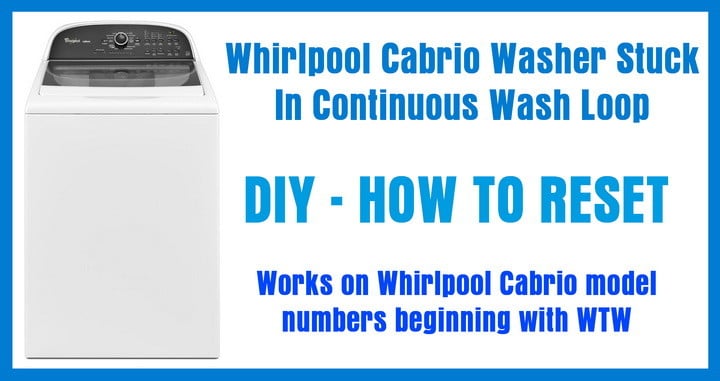 Whirlpool Cabrio Washer Stuck In Wash Loop – How To Reset
Yes, there is a reset procedure to fix this. The Whirlpool Cabrio washers need to be reset in a different method than many other types and brands of washers. Here is how you can RESET your Cabrio washer (all Whirlpool Cabrio models). Follow the directions below and your washer should reset and begin to work normally. This reset procedure works on ALL Whirlpool Cabrio Washers that start with model number WTW.
How To Reset Whirlpool Cabrio Washer:
- Turn the washer off.
- Set the mode selector dial to NORMAL.
- Turn the dial counter clockwise ONE click (LEFT), clockwise THREE clicks (RIGHT), counter clockwise ONE click (LEFT) then clockwise ONE click (RIGHT).
- Now press the start button.
- All the cycle indicating lights should be illuminated.
- Press the Start Stop button once.
- Rotate the dial until Rinse, Wash, and Stop light illuminate.
- Turn the washer off and unplug it for 10 seconds.
- Finally, turn on the washer and it should now be reset.
- Run a test load empty to be sure the reset worked. If not perform the reset procedure one more time.
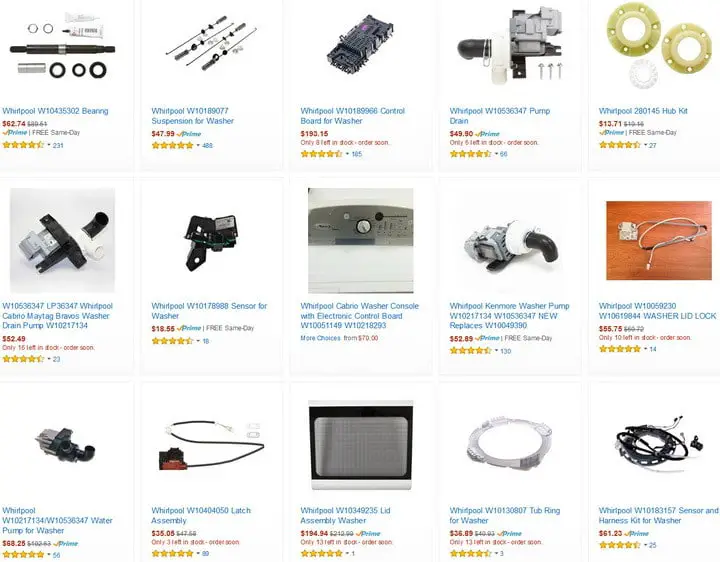 Whirlpool Cabrio Washing Machine Replacement Parts WTW
If that did not work, try the next Cabrio reset procedure:
- Touch any button on the display pad to clear the error code or press “Pause Cancel.”
- Choose another cycle and press “Start”.
- Disconnect the Cabrio from power if the error or problem comes back.
- Wait 5 minutes before restoring power.
- Choose a new cycle and press “Start.”
- Run a test load empty to be sure the reset worked. If not perform the reset procedure one more time.
Cabrio Washing Machine Diagnostic Test & Error Codes
If the second reset does not get your washer out of the endless wash cycle, please leave a comment below and explain in detail what the exact issue is and we will assist in troubleshooting.

Written by Keith Schneerer
Certified Appliance Tech · Founder, RemoveAndReplace.com
Keith has spent 30+ years repairing machines, starting as a military mechanic and later maintaining food processing equipment before moving into appliance repair. He founded RemoveAndReplace.com to share field-tested repair advice.
More about Keith →

Reset calibrated whirlpool washer. All the correct lights came on. Unplugged for 10 sec. Started was cycle light came on for a second then no lights at all. Will not do anything but spin.
Sonia Inniss,
Did the tech tell you which harness you need for your Whirlpool Washer?
Check Amazon for washer harnesses that are inexpensive.
-RR
My sense lights on my Whirlpool washing machine wouldn’t come on.
The start button seemed not to be working.
What can I do?
Technician says everything tests good.
I have to get a harness.
My Whirlpool Washer WTW5640XW3 has no Error Codes.
I even ran the Diagnostic test and received FO EO.
When I turn it on the “Sensing Light” turns on and sounds come from inside, but it does not ever lock the lid, nor does the timer time down.
It will keep going forever like this if I let it.
I tried the recalibration process and it did nothing.
WTW8500DR0. Showing code F6 E3 ?
My cabrio washer is making a clicking sound but it won’t wash
Help me my Washing machine is a whirlpool cabrio and it only flashes F5 AND E3 and doesn’t do anything else I’ve unplugged it for two days and it’s the same when I plug it back in same thing please help me out how do i reset it?