I have an HD Flat Screen TV and when I turn it on it says NO SIGNAL. I have not seen this before as my CABLE BOX is connected and turned ON. I do not know if there may be something wrong with my Samsung TV or if it is the cable box causing my problem. I know my TV works because I can see it displaying the words “NO SIGNAL”. Is there maybe something wrong with the TV where the cables go in on the back of the TV?
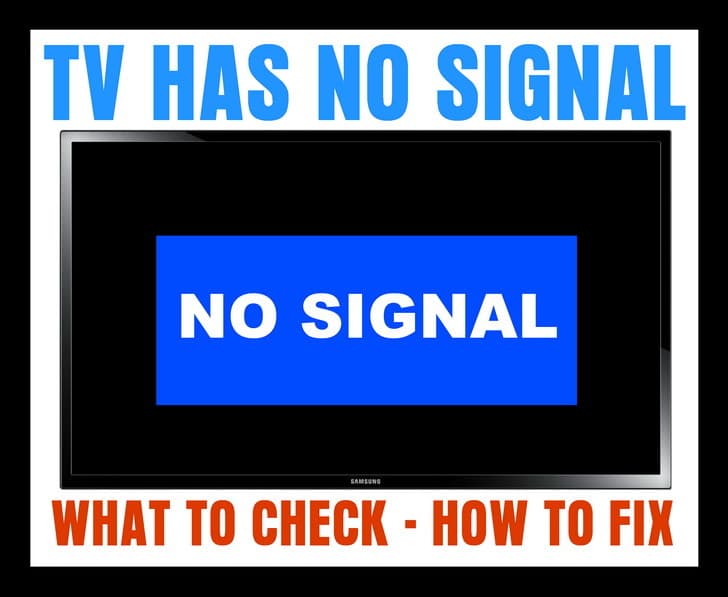 TV NO SIGNAL
If your TV displays a “No Signal” message on the screen (HDTV or Standard TV) it could be one of the 4 issues we have listed below…
1 – Is the NO SIGNAL issue happening on just one TV?
CORRECT INPUT or SOURCE
If it is just one TV that is showing the NO SIGNAL…
-Be sure your TV is on the correct source or input as your CABLE or SAT BOX.
-Press the TV button on TV remote control to turn your TV ON.
-Press the INPUT button on your TV remote control.
-Cycle through all the inputs on your TV.
-Do this until you are on the INPUT your CABLE or SAT BOX is plugged into.
-You should then see the CABLE or SAT programming show on your TV.
HINT: Your TV will most likely list the TV INPUTS as: HDMI 1, HDMI 2, HDMI 3, VGA, Component 1, Component 2, and so on.
If you still see NO SIGNAL on your TV screen, see the next step below…
2 – If you have your TV on the correct INPUT or SOURCE and you still see NO SIGNAL…
CABLE OR SAT BOX NEEDS RESET
-Remove or unplug the power cable from the Cable TV or SAT set top box.
-Keep it unplugged for 2 to 3 minutes.
-Plug the power cable back into your Cable or SAT set top box.
-Give it some time for the Cable or SAT box to power up, get the signal, and initialize.
If you still see NO SIGNAL on your TV screen, see the next step below…
3 – If you have reset the Cable or SAT box and still have the NO SIGNAL…
UNPLUG THE CABLE GOING FROM THE TV TO YOUR CABLE OR SAT BOX
-Remove the HDMI cable or other cables from your Cable TV or SAT set top box.
-Keep the cable unplugged for 2 to 3 minutes.
-Plug the HDMI cable or other cables back in.
-Give it some time for the Cable or SAT box to get the signal and initialize.
HINT: Make sure all the cables that are connected to your Cable or SAT box and your TV are tight, undamaged, and secured.
4 – If all of your TVs are affected with the NO SIGNAL screen…
BE SURE THE COAX CABLES OR ETHERNET CABLES ARE SECURE or CABLE OR SAT IS DOWN TEMPORARILY
-Be sure to check the ones where the CABLE or SAT come into your home.
-Be sure ALL Ethernet and Coax cables are secure.
-Call your CABLE or SAT provider to see if there is an outage.
-Realign your Dish if you have SATELLITE.
If you need more help with a TV that says NO SIGNAL, please leave a comment below and we will be happy to assist.

Written by Keith Schneerer
Certified Appliance Tech · Founder, RemoveAndReplace.com
Keith has spent 30+ years repairing machines, starting as a military mechanic and later maintaining food processing equipment before moving into appliance repair. He founded RemoveAndReplace.com to share field-tested repair advice.
More about Keith →
After setting up PEEL REMOTE on my Vizio Smart TV, it started saying no signal. TV turns on but no signal, can’t use my TV remote either after foolishly setting up from my Android smart phone the Peel remote on my Vizio TV. I followed all the suggested troubleshooting guide but to no avail.
Melissa Stevenson,
Are you talking about a SAT box that is damaged?
-RR
My dogs knocked my box off the tv while i was gone today.
Everything is plugged in still.
But the card was ajar.
Not clicked in securely.
It comes on but white channel with lines.
What can I do to fix this?
Vision tv. Mediacom cable. HDMI-2 works fine on the main tv and also in the bedroom. However HDMI-1 says no signal. Tried everything that I’ve read. ie. connections. Resetting tv. Etc. Even dealt with mediacom agent. Nothing. Help!
I have LG LED SMART DIGITAL TV About every month I lose all signal on 7.9.10.sbs network except on ABC network.
E52 No Signal that’s my issue
I am having issues with my tv monitor. I have 2 computer monitors and 1 tv all hooked up to eachother. Everything was working fine until i plugged in a new controller. Now the tv says no signal. I tried unplugging it and plugging it back in but that does not seem to help. Any suggestions?