How to fix your KitchenAid Stand Mixer. If you are having problems with your KitchenAid stand mixer, here are some ways to troubleshoot the issue and repair it yourself. The beater attachment and the bowl need to be connected properly for the unit to operate. If the beater blades hit and vibrate the bottom of the bowl or side of the bowl they will need to be readjusted. When your mixer will not start, you may have a motor that has overheated as the mixer motor is thermally protected. An electrical issue such as a reset GFCI outlet or electrical breaker may also be causing the problem. Here is a KitchenAid Stand Mixer Troubleshooting page if you need further assistance.
 KitchenAid Stand Mixer – How To Repair
KitchenAid Stand Mixer Will Not Turn On
Check that the mixer is plugged in. If the outlet the mixer is plugged into is GFCI, check to be sure it is not reset. If the mixer is plugged in and the GFCI is not reset, check the breaker for that outlet.
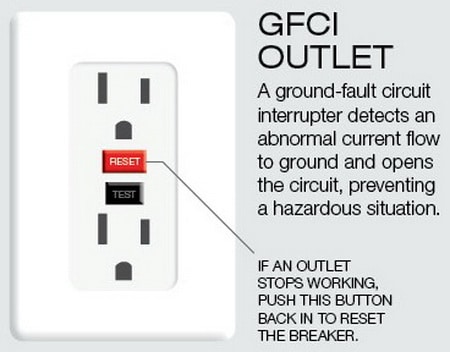 Check and Reset GFCI Outlet If KitchenAid Mixer Has No Power
If you determine the mixer is getting power, the issue may be the cord on the mixer is damaged or an internal part inside is faulty. The speed control plate could be faulty, the mixer phase control board may be bad, you may have worn carbon motor brushes, or the wiring inside the mixer could be damaged.
If needed take the mixer apart and check the parts and components we have listed.
NOTE: The motor on your KitchenAid mixer is thermally protected. If it overheats, the motor will temporarily shut down for safety reasons. Wait around 15 to 30 minutes if you suspect this has happened.
Below are some electrical and motor parts for your KitchenAid stand mixer that may be needed.
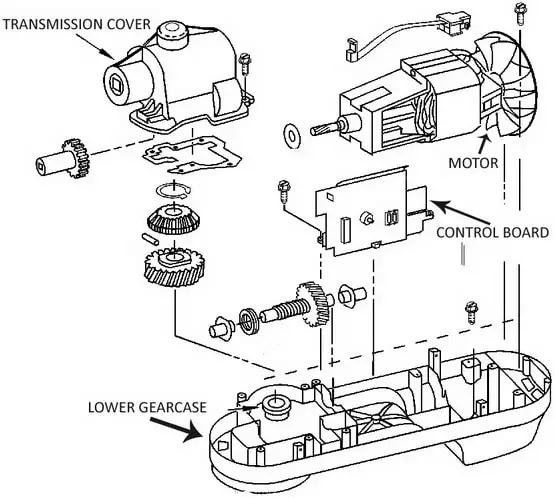 KitchenAid stand mixer internal parts
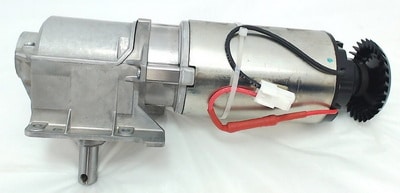 KitchenAid Stand Mixer Motor & Transmission
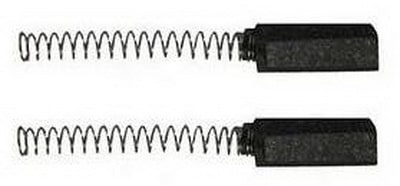 KitchenAid Mixers Carbon Motor Brushes
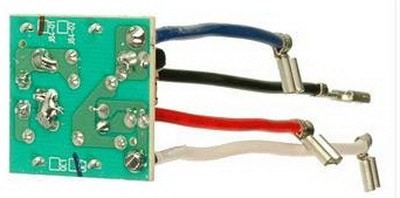 KitchenAid Mixer Phase Control Board
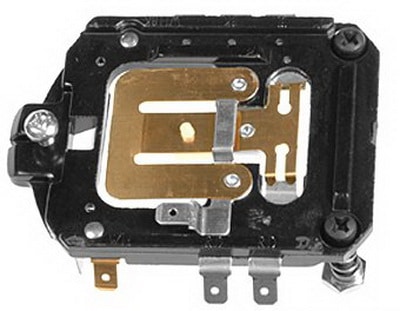 KitchenAid Mixer Replacement Speed Control Plate
KitchenAid Stand Mixer Vibrates Beater Hits Bottom Of Bowl
Check the adjustment of the bowl clearance. To raise or lower the bowl, turn the flat head screw that is located under the head portion of the mixer. Turn the screw clockwise to lower it and counterclockwise to raise the bowl.
Also adjust the height of the mixing bowl so the beater will not hit the bottom or the sides of the bowl.
If the pivot pin is not centered and secured, try centering the pin. Turn the mixer onto its side and tighten the screw underneath the mixer to secure the pivot pin.
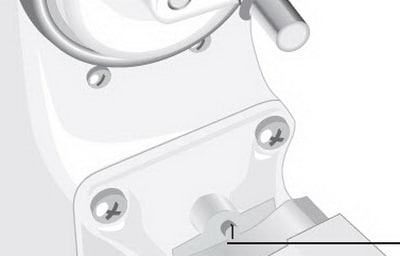 KitchenAid Mixer – Bowl Adjustment Screw
KitchenAid Stand Mixer Works But Making Grinding Noise
The most common reason for your KitchenAid mixer to work but make loud internal grinding noises is a worn worm gear.
You could also have an issue with the transmission in the mixer. To replace the worm gear or transmission on your mixer, it needs to be taken apart and removed and replaced.
Below is the worm gear part for your KitchenAid stand mixer that may be needed.
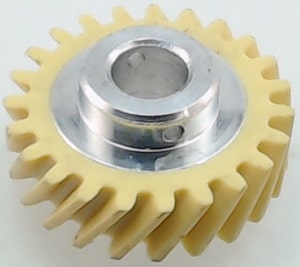 KitchenAid Stand Mixer Worm Gear
KitchenAid Stand Mixer Motor & Transmission
Below are KitchenAid Stand Mixer Repair Manuals in PDF.
Click one of the images depending on if your KitchenAid Stand Mixer is 4.5, 5, or 6 quart.
 PDF FILE – KitchenAid 4.5qt 5qt stand mixer service manual
 PDF FILE – KitchenAid 5qt 6qt stand mixer service manual
BELOW IS AN ILLUSTRATION OF PARTS AND THE MOST POPULAR REPLACEMENT PARTS
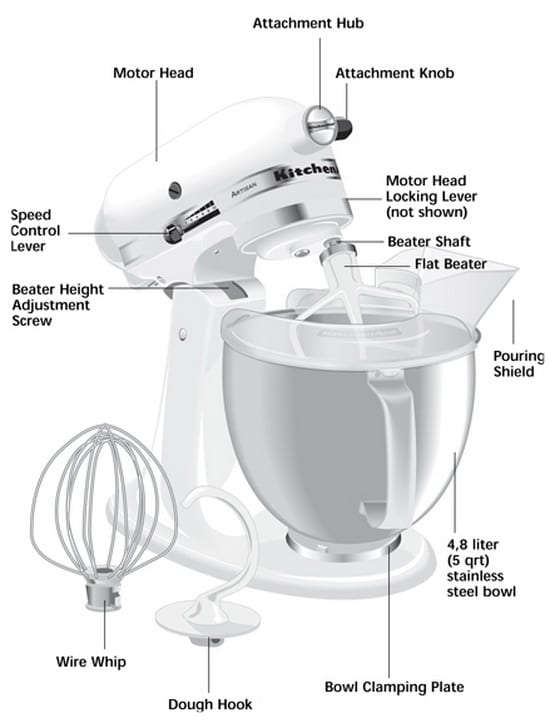 KitchenAid stand mixer parts identification
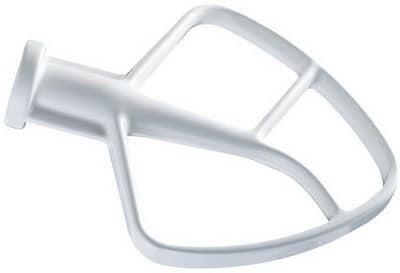 KitchenAid Coated Flat Beater for Tilt-Head Stand Mixers
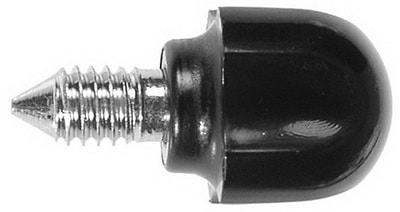 KitchenAid Replacement Screw Parts
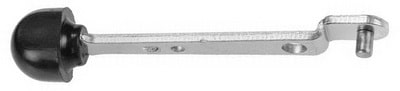 KitchenAid Replacement Lever
How to Fix a KitchenAid Mixer That Isn’t Spinning
Other KitchenAid stand mixer issues are:
– Unable to get the head to lock open or closed.
– Mixer is slow to work and cannot whip or mix.
– Vibrates and beater hits bottom of bowl.
Here is a KitchenAid Stand Mixer Troubleshooting page if you need further assistance.
If you have other issues with your KitchenAid Stand Mixer that we
have not listed above, please leave a comment below and we can assist.
Please Share The Love


Written by Keith Schneerer
Certified Appliance Tech · Founder, RemoveAndReplace.com
Keith has spent 28 years repairing machines, starting as a military mechanic and later maintaining food processing equipment before moving into appliance repair. He founded RemoveAndReplace.com to share field-tested repair advice.
More about Keith →
I have a 2018 5qt Artisan mixer that stopped turning. We replaced a gear and gasket and it now turns, but isn’t powerful enough to mix a 5cup flour bread dough. What else could be the problem?
I have a KitchenAid mixer artisan series with the glass bowl. I can hear the motor running but the mixer doesn’t work. We replaced the worm gear and it was broken. When we plugged it back in (without any attachments or bowl) it started to run for a second and then broke again. What needs to be fixed that keeps breaking the worm gear?
Clive,
Most likely your KitchenAid Mixer either has a faulty wired ON/OFF switch, a fried ON/OFF switch, or the motor is wired incorrectly.
Can you give us the model number of your KA mixer?
We will find you a wiring schematic diagram to assist you in rewiring it or finding the correct parts to remove and replace and get it running.
-RR