I have an HD Flat Screen TV and when I turn it on it says NO SIGNAL. I have not seen this before as my CABLE BOX is connected and turned ON. I do not know if there may be something wrong with my Samsung TV or if it is the cable box causing my problem. I know my TV works because I can see it displaying the words “NO SIGNAL”. Is there maybe something wrong with the TV where the cables go in on the back of the TV?
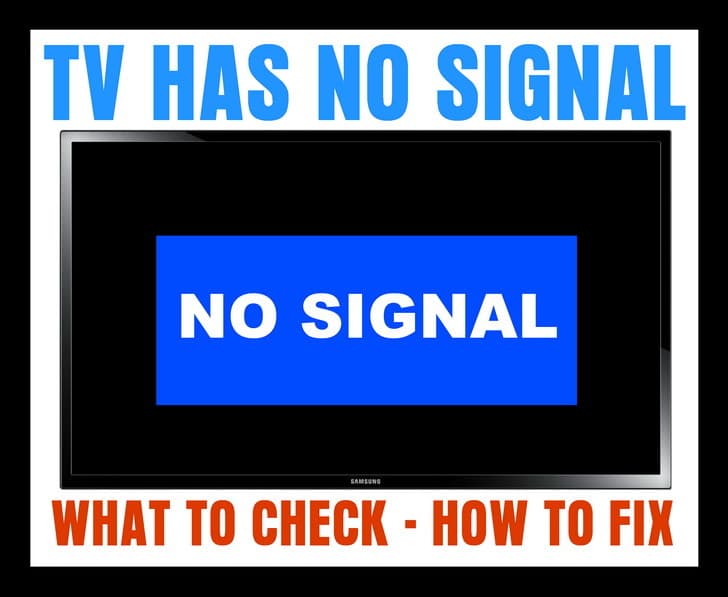 TV NO SIGNAL
If your TV displays a “No Signal” message on the screen (HDTV or Standard TV) it could be one of the 4 issues we have listed below…
1 – Is the NO SIGNAL issue happening on just one TV?
CORRECT INPUT or SOURCE
If it is just one TV that is showing the NO SIGNAL…
-Be sure your TV is on the correct source or input as your CABLE or SAT BOX.
-Press the TV button on TV remote control to turn your TV ON.
-Press the INPUT button on your TV remote control.
-Cycle through all the inputs on your TV.
-Do this until you are on the INPUT your CABLE or SAT BOX is plugged into.
-You should then see the CABLE or SAT programming show on your TV.
HINT: Your TV will most likely list the TV INPUTS as: HDMI 1, HDMI 2, HDMI 3, VGA, Component 1, Component 2, and so on.
If you still see NO SIGNAL on your TV screen, see the next step below…
2 – If you have your TV on the correct INPUT or SOURCE and you still see NO SIGNAL…
CABLE OR SAT BOX NEEDS RESET
-Remove or unplug the power cable from the Cable TV or SAT set top box.
-Keep it unplugged for 2 to 3 minutes.
-Plug the power cable back into your Cable or SAT set top box.
-Give it some time for the Cable or SAT box to power up, get the signal, and initialize.
If you still see NO SIGNAL on your TV screen, see the next step below…
3 – If you have reset the Cable or SAT box and still have the NO SIGNAL…
UNPLUG THE CABLE GOING FROM THE TV TO YOUR CABLE OR SAT BOX
-Remove the HDMI cable or other cables from your Cable TV or SAT set top box.
-Keep the cable unplugged for 2 to 3 minutes.
-Plug the HDMI cable or other cables back in.
-Give it some time for the Cable or SAT box to get the signal and initialize.
HINT: Make sure all the cables that are connected to your Cable or SAT box and your TV are tight, undamaged, and secured.
4 – If all of your TVs are affected with the NO SIGNAL screen…
BE SURE THE COAX CABLES OR ETHERNET CABLES ARE SECURE or CABLE OR SAT IS DOWN TEMPORARILY
-Be sure to check the ones where the CABLE or SAT come into your home.
-Be sure ALL Ethernet and Coax cables are secure.
-Call your CABLE or SAT provider to see if there is an outage.
-Realign your Dish if you have SATELLITE.
If you need more help with a TV that says NO SIGNAL, please leave a comment below and we will be happy to assist.

Written by Keith Schneerer
Certified Appliance Tech · Founder, RemoveAndReplace.com
Keith has spent 30+ years repairing machines, starting as a military mechanic and later maintaining food processing equipment before moving into appliance repair. He founded RemoveAndReplace.com to share field-tested repair advice.
More about Keith →
I have 2 TVs a bush and a logic the bush one wont get any signal I tried all of the above and it still wont work so I plugged my logic TV in and it worked fine what do I do to fix it?
Have the same issue with my Vizio
Got a new cable box, new remote…………….still getting NO SIGNAL
I have the exact same issue on my hitachi
I have two tv’s on a cable box and three without. The two on the box are fine, the others a=have no signal. I have tried everything and can’t get them to work. Any help please?
We still get a No Signal message on our Insignia tv after we did all of the above. The other tv works fine. We swapped the HDM1 cables, & it works fine on the other tv. It appears that it is not the cable. What else can we do?
I have 2 philips tv’s a couple of years old they both have been working fine and then all of a sudden they stopped recieving digital signal a “no signal” message appears when I turn tv on. I checked all the connections, tried reseting the stations, unplugged the tv and let it set then plugged it in. Everything looks good. I even unplugged the cable i use for the outdoor antenna and used an old cheapy rabbit ear type I bought at wal-mart, just to make sure it wasn’t my antennas problem on top of the house. So what I’m thinking is the broadcast antenna towers that the TV stations use to broadcast the signal might be malfunctioning. Who would i contact or what should I do? Thanks for your time.
Why would the dvd get no signal also