Remote control not working with TV! My TV will not respond or change channels using the TV remote. How do I reset the remote control or troubleshoot the TV remote sensor? I have a Samsung Smart TV and for 1 year the remote never had a problem controlling the TV. I am using the original remote control that came with my TV, not a universal remote. Can I reset the TV or the remote control to solve this issue?
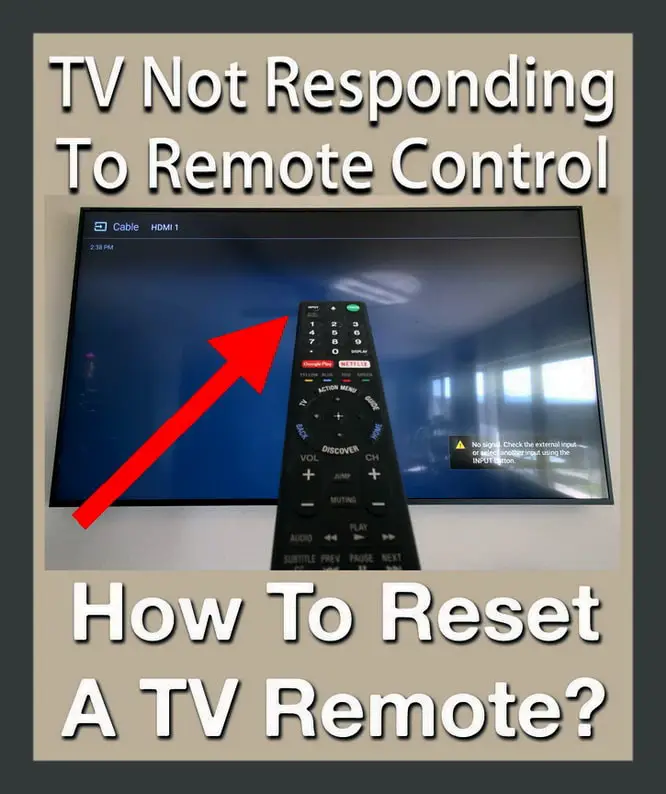 How To Reset A TV Remote Control
A remote control that will not respond or control your TV usually means low batteries. Make sure you are pointing the remote at the TV. There also may be something interfering with the signal such as other electronics, certain types of lighting, or something blocking the TV remote sensor.
Fix A TV Not Responding To Remote
1. Change the remote control batteries (AAA or AA batteries) with new high quality batteries.
2. Reset the TV by unplugging the TV power cord from the wall outlet.
3. Wait 5 minutes and plug the TV power cord back into the wall outlet.
4. Check to see if the remote now works with the TV.
If still not working, see below…
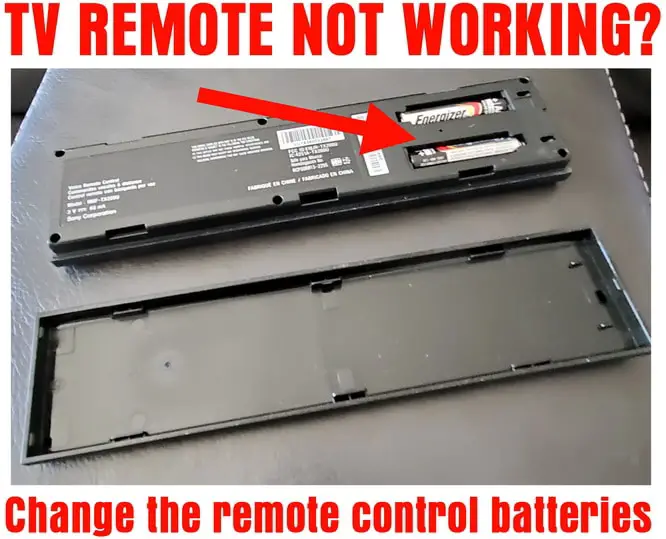 Change The Batteries On Your TV Remote
Reset The TV Remote Control
Certain TV remotes can “lock-up” and not respond to your inputs. TV remote controls can be reset by simply removing the batteries. Remove both batteries from your TV remote control to perform a reset. This would be a good time to change the batteries in the remote to be sure it has sufficient power. Once the batteries are removed and replaced, try pointing it at the TV and pressing the power button. Did the TV turn ON? If so the TV remote is fixed. If not, keep reading below…
Reset The Television
Remove power to the TV. Gently pull the power plug from the electrical wall socket that goes to TV. This turns the TV off and will reset any issues that might cause the remote to not work properly. After 5 minutes plug the TV power cord back into the wall outlet. Test to see if you can turn the TV back ON with the TV remote control. If the TV turns ON, the issues is resolved. If the TV remote does not turn the TV back ON, press the small power button on the TV itself to turn it back ON. Try the TV remote again by testing the volume buttons. Does the TV volume change? If not see below…
If this issue just started happening, make sure you installed the batteries in the remote control correctly. Be sure the recently installed batteries are not weak or dead. Always use the same brand and type of batteries to ensure higher performance.
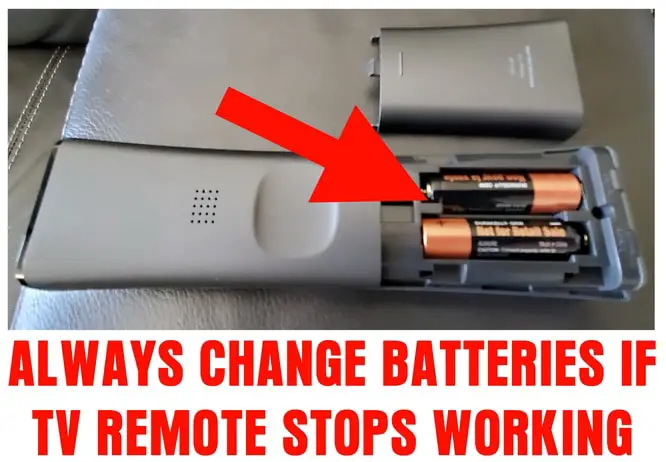 Remote Control Battery Replacement Fixes Problem
TV Remote Not Working – How To Fix
Get Remote To Work With TV
1. Ensure the area where you are using the remote to control the TV is free of any objects that could interfere or block the beam when attempting to control the TV.
2. Be sure the remote control is emitting the signal. Use a your mobile phone camera and check the emitter on the front of the remote control. Press a button on the remote to see if you see a red light. If you see the red light, it means the remote control is working. If no red light is seen, the remote has dead batteries or is defective and needs to be replaced.
3. Inspect the television infrared beam receptor (remote sensor on the TV itself) and clean it to be free of dust or possibly a small sticker or other object may be covering it.
4. Ensure the TV software is up to date. On some TVs, older TV software can have an effect on the remote control. If your remote does not work, most TVs have a small controller on the back of the TV that works similar to the TV remote control. Use this to navigate to the menu and update the TV software or firmware to attempt to get the remote working.
5. Temporarily turn off any fluorescent lights or overhead lights near the TV. Certain fluorescent lights or LED bulbs can interfere with the remote control signal and cause it to malfunction.
6. Certain electronic components can cause interference with the remote signal. Turn off any external components near the TV to see if they are causing the remote control “NOT WORKING” issue.
How to Fix Any TV Remote Not Working
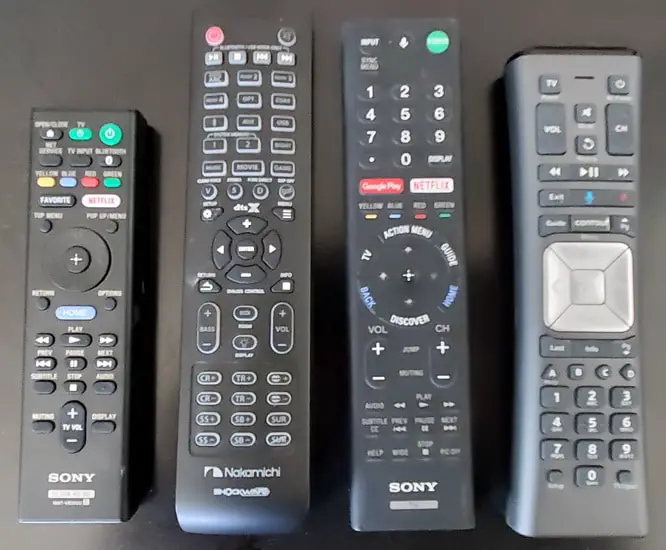 Buy NEW Remote Controls For TV BLURAY CABLE SOUNDBAR
HOW TO RESET YOUR TV REMOTE CONTROL
MORE TELEVISION HELP – TV Turns Off BY Itself – TV Will Not Connect To WIFI – Television Screen Turns Black – Fix A TV Screen Zoomed In – TV Says NO SIGNAL – Fix Slow Remote Control With Cable Box
If the above steps to fix a remote control not working with your TV did not solve your issue, please leave a comment below with the TV model and type of remote you have and we can assist.

Written by Keith Schneerer
Certified Appliance Tech · Founder, RemoveAndReplace.com
Keith has spent 30+ years repairing machines, starting as a military mechanic and later maintaining food processing equipment before moving into appliance repair. He founded RemoveAndReplace.com to share field-tested repair advice.
More about Keith →
Kari,
Unplug the TV’s power plug from the wall socket and wait for one minute after the LED light has switched OFF.
After one minute, reconnect the power plug, but do not turn the TV on just yet.
After 30 seconds, switch the TV back ON with the remote control.
If the TV does not respond, press the button on the TV to switch the TV ON.
This will attempt to reset the IR on the TV.
-RR
Hi Allen,
I’m hoping you can help me. I have an older flat screen Westinghouse TV (not a smart TV). Recently my remote stopped working. I changed the batteries and all was good for about 2 days when it stopped working again. I have completed a numerous amount of troubleshooting ideas from the web to reset the TV, remote, and have purchased a new remote. I synced the new remote and that worked for about 2 days and now that won’t work either. I am starting to think the receiver on the TV is not working, and I’m not sure if there’s a DIY fix to that or not. If you have any ideas for me to try, I would appreciate it. Thank you!
Samir,
See if there are controls on the back or side if the TV to turn it ON.
Your remote control for the Nikai HD 1080 TV might not be working.
Change the batteries or use a universal remote control.
Here are the TV’s from Nikai that you can choose from and hopefully find the users manual or some troubleshooting tips.
-RR
I have Nikai HD 1080 TV, I have checked and my remote is working but the TV will turn ON. The power light on the TV is on and that means power is coming to TV.