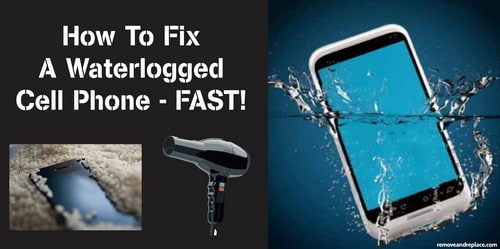
Recently our Samsung phone was subjected to getting wet by being left in the rain. It would still turn on but the screen did not look right. We took it apart and laid it out in the sun for a few hours. It started working perfectly again except for the battery. We replaced the battery but within 4 days the phone stopped recognizing the SIM card. We opened the phone up and discovered that the SIM card contacts were slightly oxidized. The SIM card looked a little oxidized too so we decided to clean everything to be safe……
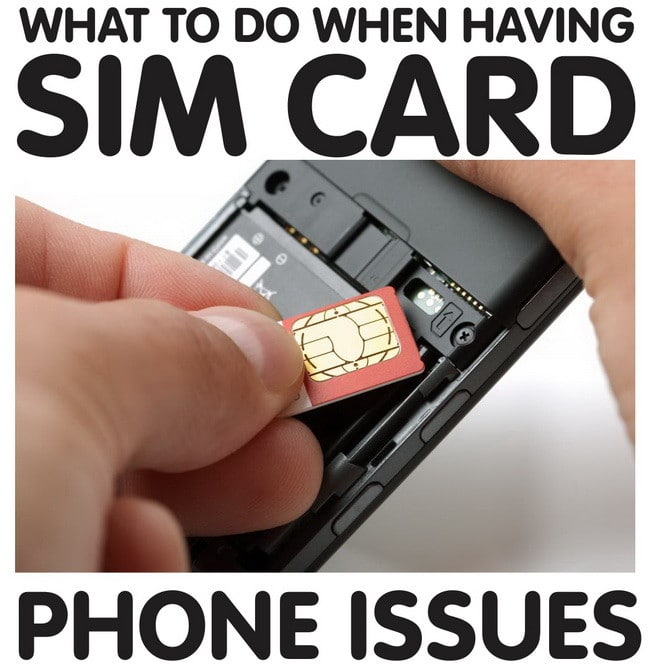
To clean the SIM card contacts on your phone:
First turn the phone completely off and remove the battery if possible. Use a Q-tip and some rubbing alcohol and clean any debris or oxidation off of the SIM slot contacts. Don’t let the rubbing alcohol get everywhere inside you phone as this can damage it. Clean the SIM card and the SIM contacts until the metal is shiny and no oxidation is visible. Once the SIM and contacts are clean and dry, put the phone back together and turn the phone on. If the phone fails to recognize or read the SIM card, then most likely the actual SIM card has just simply gone bad. Most phone companies such as AT&T, T-Mobile, Verizon and Sprint will give you a free SIM card since you are already a customer. Just go to the nearest store or kiosk and tell them your issue and 99% of the time they will install and setup a new SIM for you.
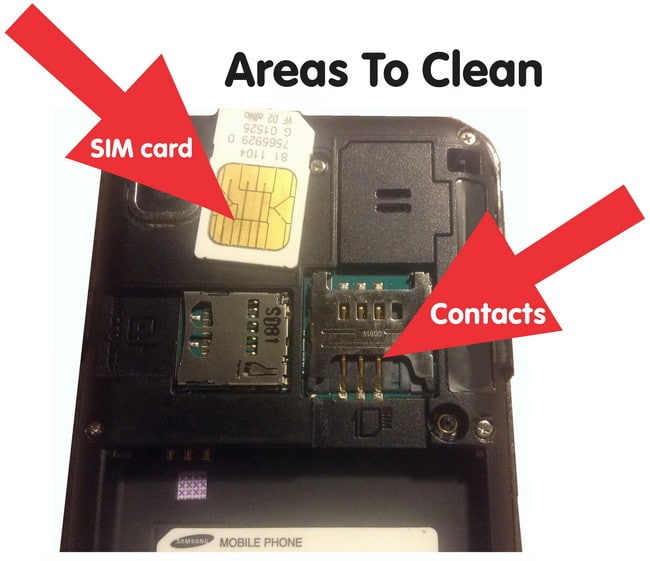
HOW TO CLEAN SIM CARD ON PHONE