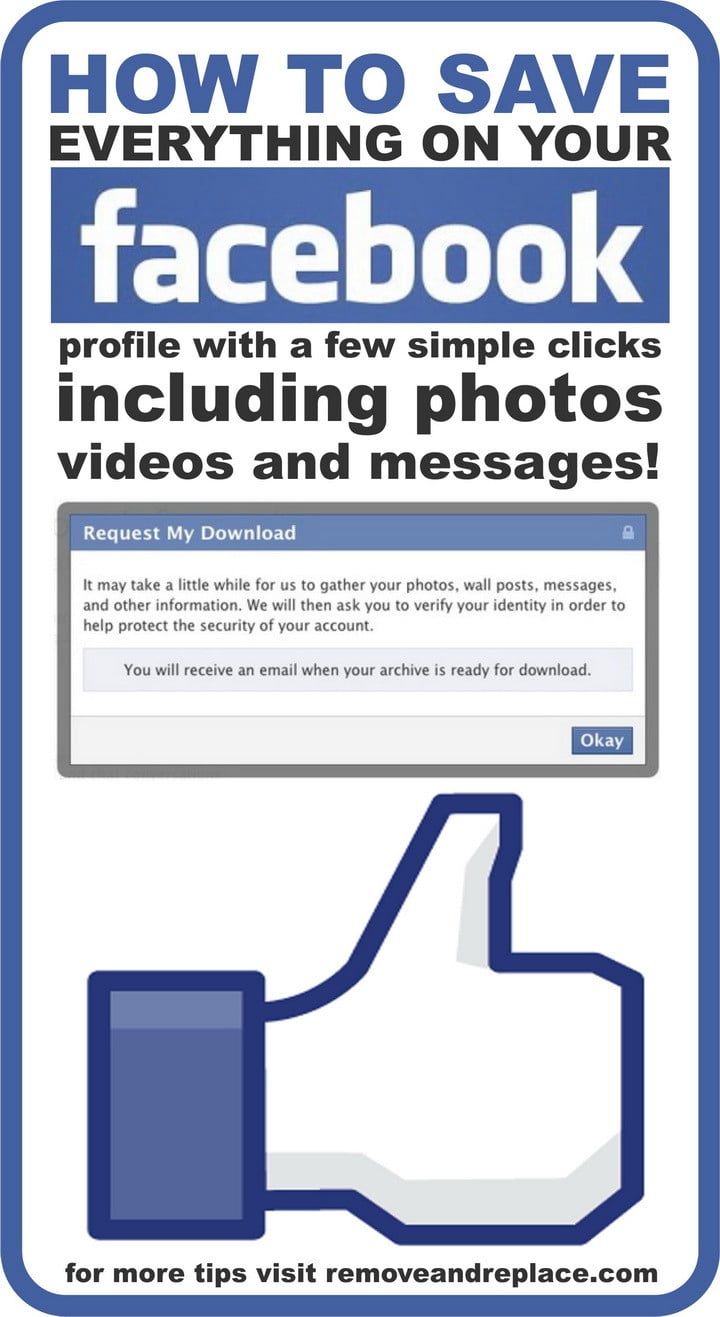
Downloading your Facebook profile data is easy. You can download Facebook archive data and your full information profile along with your Facebook photos, videos, albums, posts and private messages and save them on your local hard drive on your computer. Since the beginning Facebook has saved all of your social activity and FB will allow you to save and download a copy of your Facebook activity anytime for free.
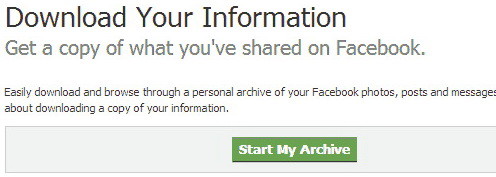
To Download Facebook Profile Data Archives:
After logging in to your Facebook account you can download your information from the “Account Settings” page.
1 – Click at the top right of any Facebook page and select “Account Settings”
2 – Click “General” in the left-hand column
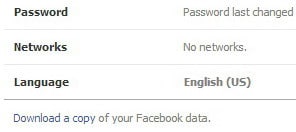
3 – Click on “Download a copy of your Facebook data”
4 – Click “Start My Archive”
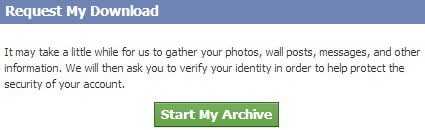
After you click that link, you can start to download your personal Facebook Archives.
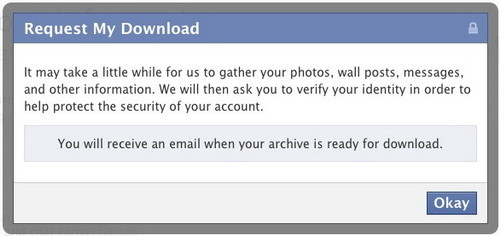
Once the button is clicked Facebook will notify you of your download and will take time as Facebook gathers all of your photos, wall post messages, videos and more for download to your computer.
The time it takes for Facebook to gather and collect all the information from your profile data will depend on how much information you have. Please be patient and note that very big profiles and large Facebook photo albums will take a long time to download to your computer. Normally Facebook will send an email to you when your archive is ready for download and will include a link on where to download everything.
 The large file that you will be able to download will contain everything in your FB profile including your photos and videos, your posts, chat conversations and also messages sent. You will also have a copy of your Facebook Friends email address and names. This download will not include your friends photos and their personal info and will not download any comments you made on walls of friends.
If you are looking to download detailed account information like login and cookies then you need to “Download Facebook Expanded Archives”. When you download this make sure to keep the files safe as it will contain your private data and information about all your posts, comments and more.
It is a good idea to always keep a recent backup of your Facebook timeline just to have on your computer to be on the safe side.

Written by Keith Schneerer
Certified Appliance Tech · Founder, RemoveAndReplace.com
Keith has spent 30+ years repairing machines, starting as a military mechanic and later maintaining food processing equipment before moving into appliance repair. He founded RemoveAndReplace.com to share field-tested repair advice.
More about Keith →


Thanks for helping with my Facebook trouble!